The Context Podcast: Ottomatic Essentials
Featuring:
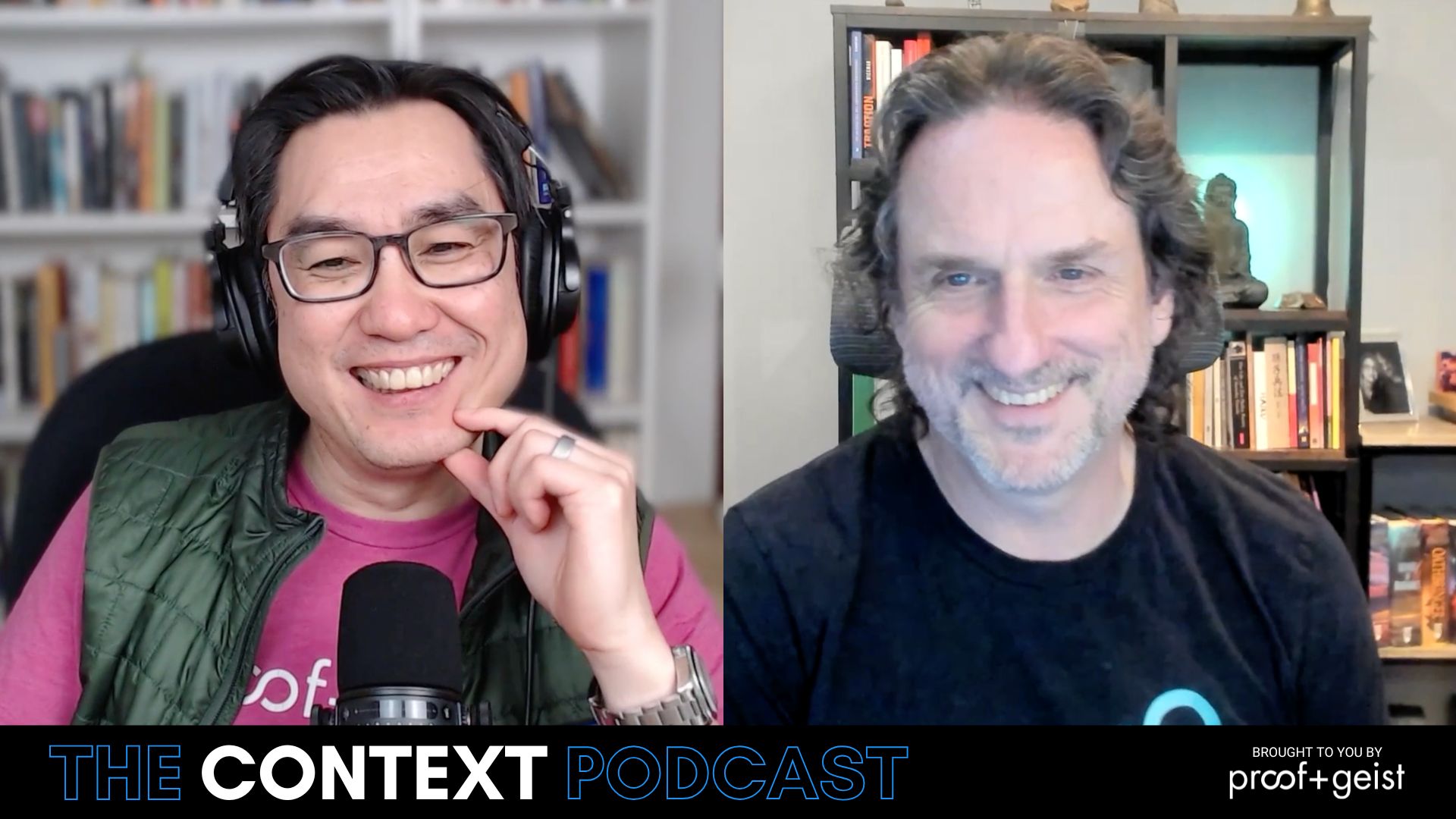
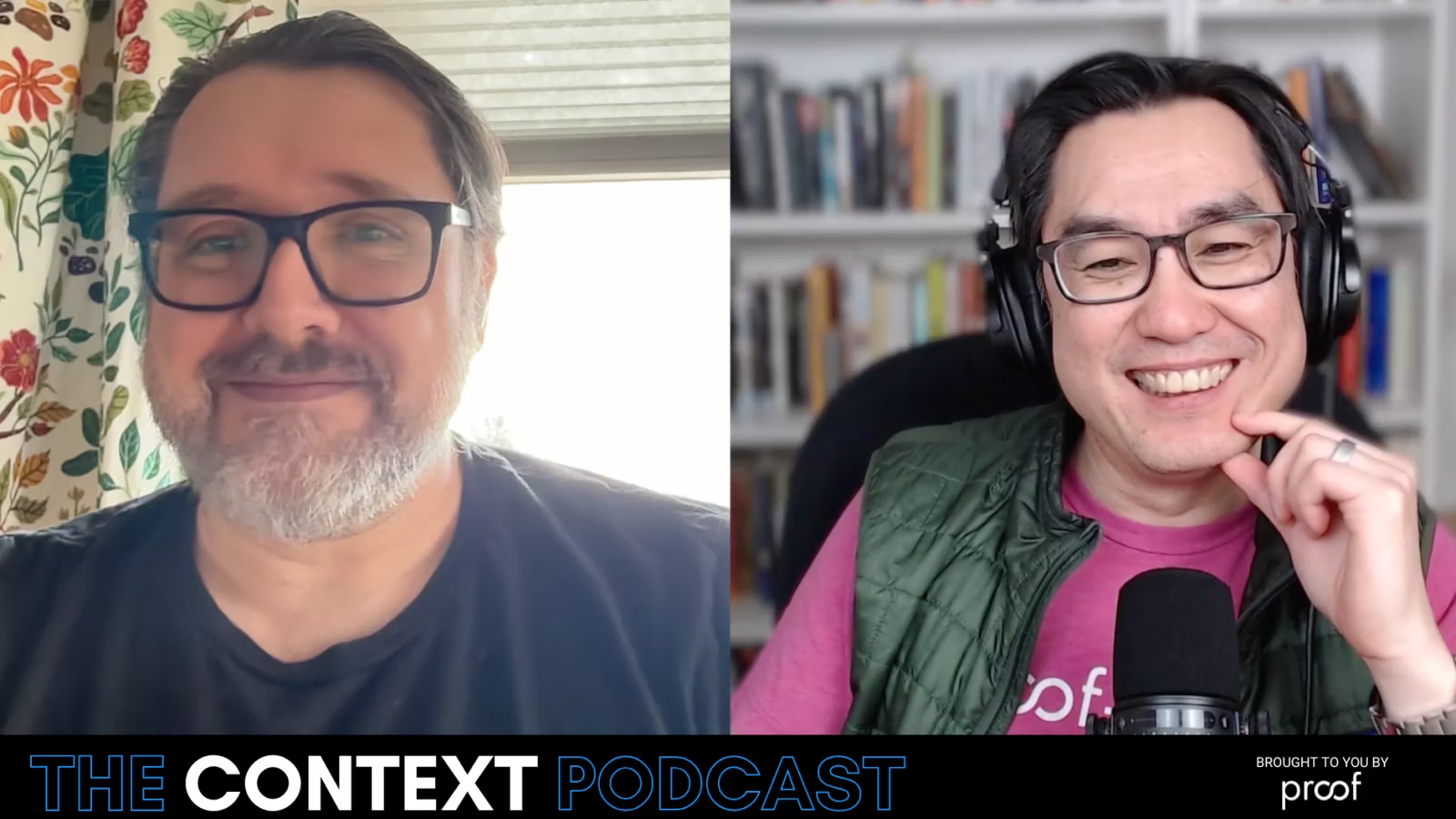
- Ernest Koe, CEO of Proof
- Angelo Luchi, Director of Infrastructure Operations at Proof
Description:
In this episode of the Context Podcast, join Ernest Koe and Angelo Luchi as they go over Ottomatic Essentials: the hosting service for small teams who want to think big.
In this discussion, they discuss the offerings of Essentials and how they benefit users. From the security compliance and ease of Dockerization, to the acceleration benefits of HTTPS Tunneling and Cloudflare, and even the control afforded by the Ottomatic Cloud Console and OttoFMS. This episode will give you a full understanding of how the Essentials levels of our hosting platform aren’t a budget solution— they are a powerful choice that gives you the ability to get up and running quickly.
You can find this episode on YouTube, Transistor.fm, or your favorite audio platform.
Featured Links:
Angelo (00:00.311)
you to be lovey.
Ernest Koe (00:02.446)
The cat can join us.
Angelo (00:08.556)
she will, she's gonna sit on my keyboard.
Ernest Koe (00:12.206)
Well, welcome back to another podcast on automatic and we've got Another episode talk about some of the cool things that's coming out on the platform so for those of you who are farmyk developers and Interested in farmyk hosting and farmyk server and what we're doing an automatic platform I think there are some cool things here that we can Talk about today. Hi, Angela
Angelo (00:38.185)
Hey Ernest, how are you?
Ernest Koe (00:40.874)
I'm doing all right. So why don't we get right into it? I think we've got some interesting things happening on automatic, right? And one of the things that we want to bring out today is automatic essentials. You may want to share a bit. Automatic essentials, is that new? Is that something people have seen before? What's happening here?
Angelo (00:42.656)
Excellent.
Angelo (01:06.164)
Automatic Essentials has been around for a limited time right now. It's the next evolution of shared hosting. So back in the early days of FileMaker, FileMaker had shared servers. You could put multiple tenants on there and people just accessed the same server. It was low cost, it was inexpensive, but it did create some problems with compliance and data security and whatnot. So the next evolution...
Ernest Koe (01:33.39)
Wait, wait, so before, but let make sure I got this right. I think I understand this, but back in the old days, so to speak, you could literally, old days, you could literally put lots of different customers files and database on one file, like a server, Multi-tenant. Yeah, and then that stopped around 15, was it 16? don't.
Angelo (01:40.614)
old days.
Angelo (01:47.685)
multi-tenant. It was allowed by the license, yes.
Angelo (01:54.688)
FileMaker 15 server rewrote the licensing for that, or Klairs rewrote the licensing for that to sort of stop that process requiring a single server for each of their customers.
Ernest Koe (02:07.598)
But it was never really a good idea to begin with, right? Because of security and sort of shared file system.
Angelo (02:11.114)
No, no. It was truly designed for just a small team, a couple of files, couple of users, that kind of thing, and just something low cost and get someone going. A lot of the hosts out there did that because again, it was an affordable option rather than spending the money on a dedicated infrastructure.
Ernest Koe (02:23.607)
Okay.
Ernest Koe (02:34.51)
All right, but so to be clear, we have never really offered something like that for modern file maker systems since 15, right? Right. But the idea was kind of cool. The idea that you could have a multi-tenant way of making and deploying a server that people can take advantage of without having to have a whole dedicated VM.
Angelo (02:42.801)
I wouldn't recommend that, no.
Ernest Koe (02:59.758)
just for that server for certain use cases, like even dev machines, like how often do we want just to spin up a dev machine and not have to hog up a whole VM. And sometimes you need that extra juice occasionally, but not all the time, right? And then you get into a gen.
Angelo (03:14.325)
That's right, that's exactly right. That's exactly right.
Ernest Koe (03:17.526)
Yeah. OK, so yeah, that's the old days. But this is not what we're talking about. So automatic essentials is something different.
Angelo (03:22.781)
No.
something different. It's container-based, so built around Docker. What this affords us to do is to grab a large bare metal server and containerize it so we can get your FileMaker database and FileMaker infrastructure in a container. We offer it in two different flavors, right? We've got Essentials and Essentials Pro, which is a HTTPS tunneling version.
And then we have a FB1 version, which is just like any other server. It's still containerized, but you get a dedicated IPv4 and v6 address that you can connect to through standard FileMaker networking protocol. And there's differences in why we did this.
Ernest Koe (04:05.89)
Yeah.
Yeah, yeah, talk about that. Because we looked at Dockerize hosting instances. mean, we've been looking at it for a long time, but we've elected to mostly use VMs for our production and publicly hosted offerings, right? You want to say more about that?
Angelo (04:24.18)
That's correct.
Angelo (04:29.02)
Yeah, the reason we didn't really focus on Docker infrastructure originally was because we had compliance to maintain and meet. Docker is great and wonderful, but the way it's designed right now for FileMaker...
is it has to run in a privileged mode. And this gives each container a little more access to the host operating system than we would like for a really compliant production server, which makes it better suited for a small team that doesn't have strict compliance requirements or a dev server environment. And that's truly what it was designed for right now.
Ernest Koe (05:10.456)
So our Docker instances on automatic today, automatic essentials in fact, is Docker base fully compliant runs its own secure encrypted file system storage.
Angelo (05:26.346)
storage. That's right. So we took it a step further. We basically mount a private disk image where customer data is capped.
Docker in its traditional sense just shares everything. All of your data normally goes in the same file system and it's just folder separated. So we're mounting a logical drive for every customer to secure it even further. And those logical drives are encrypted at rest. So we have protections in place to make it more compliant. Data security is our number one.
Ernest Koe (05:40.653)
Yeah, yeah.
Ernest Koe (05:57.178)
And partly, right, and partly that's because SOC 2 expectations and requirements compels us to actually do more than just go, YOLO, here's your data, right? And it's gonna live on.
Angelo (06:11.902)
That's right, that's right. Yeah, so I mean, there are multiple ways to do it and there's companies out there that choose to do it the normal standard way, which could be fine for some, but you're not meeting compliance by doing it that way. So we have to take it that extra step.
Ernest Koe (06:29.337)
Right. Or we're not meeting compliance if we did it the other way. So there was that risk too in terms of it's one thing if the customer is sort of oblivious to whether or not the security layer is actually good or not. It's another thing when we get audited and go, well, that's not going to work. That's no bueno.
Angelo (06:35.133)
That's correct.
Angelo (06:49.353)
Right. We don't want an auditor to look at our infrastructure and our documentation and say we have increased the attack surface for our customers. That's just not something we want to have happen. We want to be good stewards of people's data.
Ernest Koe (06:54.285)
you
Ernest Koe (06:58.092)
That's right.
Ernest Koe (07:06.072)
So this is very cool. So recap, automatic essentials, basically Dockerized instances running on really freaking amazing fast, big bare metal servers that are available to people through the automatic platform and automatic console. Is provisioning the same as any automatic instance?
Angelo (07:29.181)
Provisioning is the same. You fill out our form and the request will get processed and the instance will be provisioned. And I was mentioning before that we've got two different flavors of...
automatic essentials, right? We've got the standard essentials, which does include licensing for FileMaker Pro, and we'll get into that in a second, and then a bring your own license version of that. And those both require the HTTPS tunneling protocol between FileMaker Server and Pro. And then we have an FB1 version, which is more suited as a standard dev server, for instance. It has a dedicated IPv4 and v6 address, and allows you to connect via FileMaker networking. Now,
The reason we did HTTPS tunneling is so we could take advantage of a couple of very cool things with CloudFlare's global network infrastructure. We accelerate and secure traffic through their Argo smart routing platform. So this is finding the shortest route.
between your computer and the server through their private network. So it avoids a lot of network latency and a lot of network issues in between. So I was saying that, that, you know, Essentials is great for a small team. This makes it even better because it's accelerating your traffic, traffic, it's securing your traffic. So we're running protocols on that traffic to make sure that there's no malware, there's nobody listening in between, things like that. So we've got checks and balances in place to make sure
you're running as smooth as possible and as secure as possible as well. And one thing this also did is if you are using this Essentials account to do some deployments, it accelerates your auto FMS traffic as well. So you get faster deployments in DevOps.
Ernest Koe (09:19.81)
Yeah, it doesn't sound like Essentials is less than the full VM instance. In fact, it may be more in a lot of cases.
Angelo (09:29.968)
It's more in a lot of cases, but there's trade-offs. With VMs, we can do more redundancy for backups. We have different firewall options and different DDoS options. There's a trade-off on Essentials where we don't have some of those features, but we make up for it in other features where we take advantage of Cloudflare's accelerated and secure network and infrastructure to make up for the differences in firewall and things like that.
Ernest Koe (09:56.952)
Yeah, it sounds like Essentials is really like, maybe we should have named it Automatic Happy, because it's like the happy path towards a fast machine instance that will do all your file maker workloads that has all the benefits of automatic, the platform and the console and all of that. It's missing, quote unquote, it's missing some of the more advanced features, like some of the firewalling and some of the...
Angelo (10:01.928)
Hahaha
Angelo (10:24.358)
Yeah.
Ernest Koe (10:25.294)
custom backup options that people want. But good grief, it sounds like from a performance standpoint, there's really no difference if not, it's actually better in some cases, if not most cases for a lot of workloads.
Angelo (10:37.103)
Yeah.
Angelo (10:40.731)
Yeah, the two regular essentials tiers aren't.
really geared towards a developer, for instance, we do lock down access to the admin console. So there is no admin console access, but the majority of those functions can be performed from within our cloud console. And this is why Essentials is so great over, so say shared hosting, for instance, right? It integrates directly with our cloud console. So rather than seeing nothing, you actually see your container listed in our console and you can do file uploads and downloads. You can access our 14-day
of offsite backups and do restores, you can see your users, can manage all of the advanced features of AutoFMS like web hooks and MCP servers through this as well. So we tried to make it again as powerful as possible and give you as many features as possible even if you're not a developer.
Ernest Koe (11:36.664)
Yeah, so one option Essential has that we do not offer on the pro or the standard tier is that you can get an Essential's instance with a small number of users without having to do a five user minimum. And that's bundled in the pricing itself. So we do per user pricing on Essentials.
Angelo (12:01.125)
That's correct. Our base essentials plan, which is our most popular, bundles the FileMaker licensing in with the hosting. So at a low cost per user, you get both the pro license and the hosting. Now, again, we're limiting that to five users, but you don't have to contact Claris. You don't have to wait for them to process your licensing request. You get immediate access to that licensing through our program.
and you just, you're off and running. You know, it's one stop shop for everything. You run your business and just forget about this end of it. We'll take care of it.
Ernest Koe (12:32.273)
And that's.
Ernest Koe (12:38.134)
Yeah, so let me underscore that. That's really important. So five users or less or fewer, Essential is absolutely the way to go. Very quick startup. You can do one, you can do two, you can do four, whatever, five. But beyond five, we're really saying that should be in the standard or pro tier at Automatic for dedicated VM.
Angelo (12:59.238)
Yeah. Yeah. With the Essentials Pro plan, you can bring your own licensing. You can run more than five. It's really geared towards that small work group though. And again, with the FB1 version of it, you could put more than five on there, but again, it's really designed for that five or fewer group.
Ernest Koe (13:18.656)
Right. So every single Essentials instance is an isolated instance for your organization and your team. It's not shared with anybody else. It's not sitting on some kind of... And yeah, that's pretty awesome. But so it occurs to me that because of the way we've set this up, that it's great for small teams and it's also great for devs, like for devs who need a single instance or a dedicated dev machine or two where...
Angelo (13:27.28)
That's correct.
Ernest Koe (13:47.874)
you're not paying five licenses for a deaf server. And of course, there's always a deaf server licenses program from Claris, but maybe say a little bit more about what this gets you that doesn't get you out of the box.
Angelo (14:03.417)
Yeah, the the Clarus dev license, I think, is a developer license for three users. And I've seen some for five as well. But it's just a license that Clarus gets you. We are giving you. if you go with our FB1 developer plan, you would still want to bring that license. We just give you a lower cost Docker container to get going with that that that existing license you already have. So there's that option. If you don't have the licensing already and you want to jump right in and you're good with the tunneling.
You can grab our standard essentials plans and get that one or two users to get your development environment up and running, get your concept up and running. And again, it's low cost, it's easy startup, and you don't have to worry about subscribing for multi-year for licensing through Clarus and having to wait and go through those hurdles. Really takes the friction out of it.
Ernest Koe (14:57.482)
OK, so that's good. Yeah, so really three different tiers for Essentials, three different pricing plans for Essentials. One is what we're calling is per user, that's 30 bucks per month per user, teams up to five per capita. And then you can also bring your own license, which is the other option, which is then you're paying more per user.
Angelo (15:06.372)
That's right. Per user, yep.
Angelo (15:12.952)
with a cap at
Ernest Koe (15:21.798)
slightly more per user, but you can do much larger essential deployments, and you can do your dev licenses, anything that you want to. And that starts at $59 per user, BYOL. And then you can also go up from there. Again, Dockerized containers, and then you're in a bigger Docker deployment instance. Also, bring your own license if you want. Then you can do
Angelo (15:29.316)
That's right. 59.
Ernest Koe (15:46.371)
Direct FM networking and other things that you want, custom domains, but still on the essentials, Docker sort of environment.
Angelo (15:54.563)
That's correct. That's correct.
Ernest Koe (15:58.03)
Cool. Well, there's a lot going on here. So I know there are a few things that we probably should share out. And people always ask, is a plug-in supported in a container?
Angelo (16:16.292)
plugins are definitely supported in the containers. Unlike shared hosting or something where you wouldn't want a plugin on the file system because it could present a security risk, this is a dedicated container. So you can run plugins within the server side or web direct side, data API side, however you want to do it. And you can use your file maker scripting to automatically deploy those plugins and we can help you with that as well.
Ernest Koe (16:43.864)
but you don't get access to the console, file mix server admin console. Although, because AutoFMS is installed in every instance, Essentials instance, you still can manage stuff through AutoFMS.
Angelo (16:47.255)
That's correct. That's correct.
Angelo (16:58.915)
100%, you can manage your file maker server through both the cloud console or through AutoFMS.
Ernest Koe (17:06.584)
Cool. Yeah, we should probably talk a little bit more about tunneling because I think that's a sleeper feature and then you mentioned performance. Is this available in what version of FOMLG that people need to be on? Yeah.
Angelo (17:19.638)
I did.
Version.
Version 21 or better has tunneling support and we currently only support the current shipping versions. So right now it's its versions, you 2024 and 2025. So 21 and 22 are the versions supported with with essentials.
And the tunneling feature, like you mentioned, was a very interesting sleeper function. It was designed to help a couple of unique companies that Clarisse was supporting with some particular features. And I think it's a feature that people should really take advantage of.
I know I've worked with certain companies that have issues opening up ports, you know, 5003 to the outside world. Everything's got to go through 443 and have SSLs and whatnot. The tunneling, you know, takes care of that. So it operates on 443. There is a checkbox that needs to be set in both the server and the client in order for that to work.
Angelo (18:24.035)
Once that's enabled on both ends, you will operate over that 443. Now putting CloudFlare in the mix, CloudFlare handles the SSL certificate, so you never have to worry about the SSL certificate again. They auto renew it, they run it on their infrastructure. So your server may show it's running the the Claris default certificate, but that tunnel is protected by actual secure certificates hosted within CloudFlare.
Ernest Koe (18:53.23)
So if people run as automatic essentials and is tunneling required? Was that an option? First question.
Angelo (19:02.787)
Tunneling is required on the Essentials and Essentials Pro plans. It's the FB1 where you can use regular filemaker networking. So we want to celebrate that feature because it does have some benefits and those benefits are being able to run it through secure proxies and secure networking and to be able to accelerate that in HTTP traffic, which is huge.
Ernest Koe (19:25.388)
Right, but out of the box, you don't have to worry about SSL certificates, there's no install upgrades. We already managed that, but with Essentials with tunneling, because it's running over Cloudflare into our networks, it becomes just built in basically, is what you're saying.
Angelo (19:41.6)
That's correct. It's all built in. Now, you had mentioned upgrades before and upgrades is a very cool thing with Dockerized systems. We, for compliance reasons, have a weekly cadence to apply security patches. So we do weekly builds of a Docker container and we apply it automatically to all Docker instances. So you're getting OS security patches every week.
Ernest Koe (19:48.343)
Mm-hmm.
Ernest Koe (19:55.182)
Mm-hmm.
Angelo (20:05.365)
You're also getting automatic upgrades as well within that. And that covers our auto FMS as well as FileMaker Server within the major version that you're in.
Ernest Koe (20:16.789)
Yeah. And thinking about devs for a minute, I think one of the things that's really intriguing about this kind of architecture is that there's actually a really positive side effect of being hosted on a very beefy bare metal server, right? Because we have a of, we have auto FMS and auto deploy that basically is installed and it takes advantages, it takes advantage of that entire bare metal server.
Angelo (20:33.739)
That is.
Angelo (20:44.608)
That's right. Docker affords every container the ability to expand briefly above its limits. So we guarantee a four core, eight gig of RAM minimum to every container, every FileMaker container that's deployed on that server. But you run AutoFMS and you do a deployment.
And that migration process can sometimes ask for more memory. So you could potentially shoot up quickly to 32 gig of RAM required in order to do a performant migration of data. And Docker allows that to happen afterwards, scales it back down automatically and handles that memory release. So it's clean. So you get that bursted benefit with that bare metal server and Docker.
Ernest Koe (21:32.142)
So as a dev server where you're running or a dev environment server, whether it's actual dev or staging or testing, mean, that could speed up some auto FMS and auto deploy workloads and getting those things pushed out quickly and built quickly and so forth.
Angelo (21:52.117)
That's right, we've seen almost a 10x increase in performance in some cases.
Ernest Koe (21:57.336)
Yeah, so interesting. So something to consider if you have large implementations or large file maker files where it may take some time for auto to chew across it for deployment purposes. But this would be one way to get around that issue. OK, well, that all sounds extremely intriguing. Anything else I missed, Angelo, in talking about this?
Angelo (22:16.033)
100%. 100%.
Angelo (22:27.073)
So there are a couple of caveats to automatic essentials as there are for everything. One thing, the essentials and bring your own license plans, the essentials, those two plans do not support is ODBC connectivity. Because we're tunneling, we can't open up port 2399, which you would use to connect them. then, based on the usage across our entire infrastructure.
It's a very small amount of users that use that. And frankly, those people usually require more horsepower in order to run that. That can actually chew up an enormous amount of memory and disk space very quickly. So that feature is one of those. And again, the admin console for the Essentials and BYOL plans.
you know, do not include the admin console. That's something that we keep locked down. We keep that configuration safe and secure. But we give you the ability to perform the majority of those features in our cloud console or AutoFMS. Outside of that, yeah.
Ernest Koe (23:31.544)
So if you need LDBC, probably a pro instance is your best bet. But if you don't, and you're cool with everything else, then Essentials can be a awesome starting point for people.
Angelo (23:39.188)
That's correct. Yeah.
Angelo (23:52.02)
That's right. And right now we're offering Essentials in eight regions. We've got multiple data centers in the US.
LA and San Jose. We've got Chicago and New York as well as Atlanta available. Our friends in Europe, we've got Amsterdam and London available. then again, our friends in Australia, we've got Sydney covered there. So we will geographically locate your essentials instance wherever necessary. And then our backups are also compliant. Our backups go through
custom-built CloudFlare S3 container. So we're pushing there nightly, not only the FileMaker databases and container data, but the system configuration as well. So like your DBs config and your SSL certs and all the other stuff to rebuild you on the fly very quickly. So if something does happen, we can restore all parts of that FileMaker server and get you going in one piece without loss of anything.
Ernest Koe (24:54.798)
Wow, that sounds amazing. Well, Angelo, I think we've covered most of the bases here. So the recap, Automatic Essentials is a containerized Docker specifically base instance that we're offering for file maker hosting. And it's available across many regions, eight, including Amstem in London and Sydney, and also, of course, across the United States. has all kinds of cool.
tunneling, built-in HTTPS features that you don't need to worry about. Really performant and we like it a lot. It has all the cool things that come out of the box. Like we say, we like to say batteries included, which is the automatic cloud console and all that. It's a little different than a standard Pro package. You have a little less control, but all things considered, there's virtually everything that you can do on Pro. You can do...
Angelo (25:35.199)
Thank
Ernest Koe (25:50.228)
on essentials with a few caveats around admin and some advanced backup needs and so forth. I think I got it. Did I miss anything?
Angelo (26:04.179)
That pretty much covers it. Like I said, we try and do our best and develop products to help all types of companies out there. And this is one we wanted to get out for our devs, for our small shops, and anyone who can take advantage of it.
Ernest Koe (26:22.178)
Sounds awesome. Thanks, Angela.
Angelo (26:24.306)
Thank you, Ernest.